Anywear Install on my store

Real-time
virtual try-on

A widget that lives in your shop, so your shoppers can see themselves in your clothes before they buy.

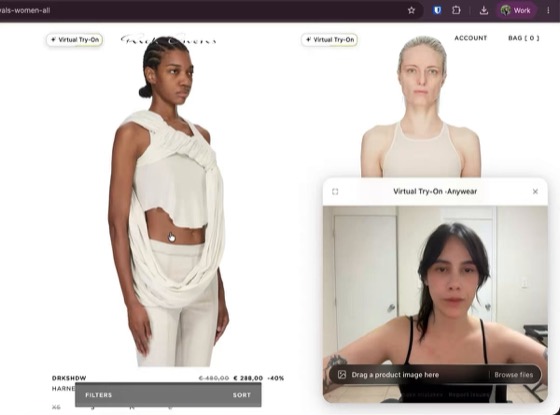
A shopper live on camera: their own t-shirt, and a red floral dress rendered onto them in real time

The concept: one of your garments, rendered onto a real shopper, live.

Engagement

Try-on keeps shoppers in your store for longer.

Every minute spent trying something on is a minute on your site, on top of the browsing and reading they would have done anyway. Among shoppers who open it, more than 2 in 5 stay past five minutes and 1 in 10 past half an hour.
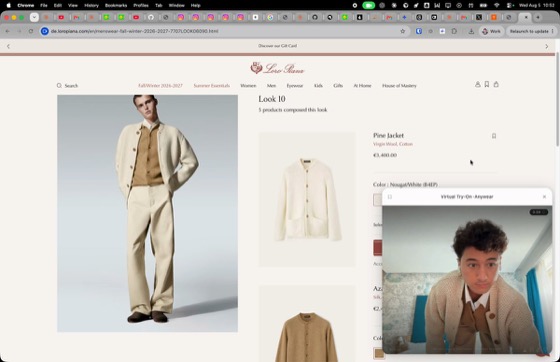
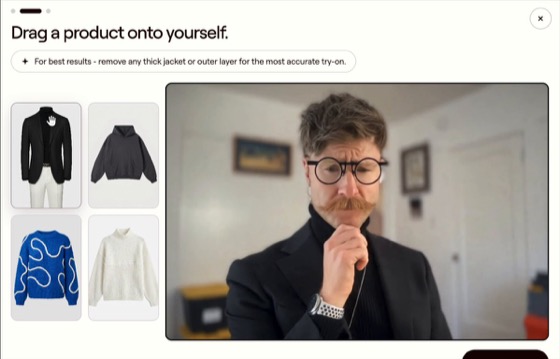
The Anywear try-on panel open on a store's page, rendering a garment onto the shopper live

A shopper several minutes into a product page.

What changes
More add-to-carts.
1 in 9

11.3% of shoppers who tried a garment on clicked add-to-cart or buy-now in the same window.

More of your catalogue tried.
8.7 items per visit

Not one product page. 3 in 4 shoppers go past the first item they came for.

Longer visits.
7.8 minutes

Average session, from a shopper’s first try-on to their last.

Measured on our own network, across real storefronts.

Live demo

Try it on yourself, on this page.

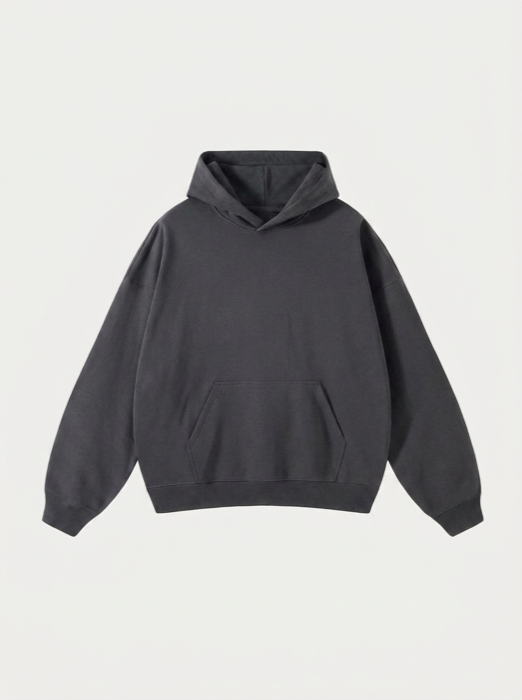
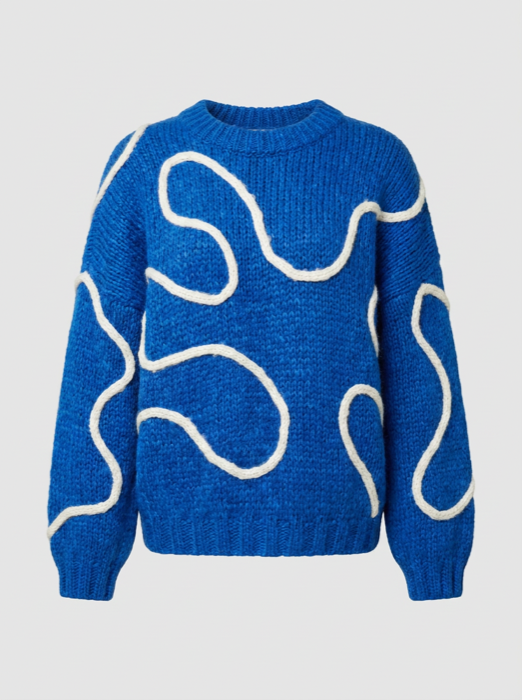
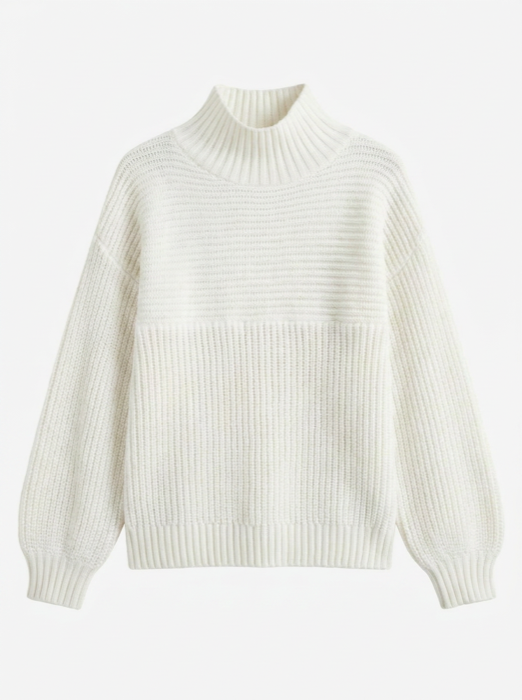
Click Try-On on any garment.

Garment to try on
Garment to try on
Garment to try on

The same widget your shoppers would get, on your own products, on mobile and desktop, once it's installed. Free to trial, so it won't serve your whole traffic.

Activate today

One line of code to install. One click to try it first.

Both free to start, and either takes about a minute. Option 1 shows it to you alone and changes nothing on your site; Option 2 puts it live for your shoppers.

Option 1 · private preview

Try it on your store

See the try-on running on your own product pages, without changing your website. Previewing needs a computer; the live widget serves your shoppers on mobile too.

Option 2 · go live

Install it on your store

Seamless: no work for your engineers. On Shopify it's one click from the App Store. Anywhere else, paste one line before </body>:

<script src="https://tryanywear.ai/widget/latest/anywear.js?domain=yourstore.com" async></script>
Shopify: one click · WooCommerce or any site: this one line

Free to trial: enough to prove it on your store, not to serve all your shoppers. Happy with what you see? Talk to an expert about opening it to everyone.

For your engineers

What the one line of code gives you.

One line of code, live in under an hour
One line before </body>, or one click if you are on Shopify. No complex APIs, no build step, no theme files edited. Live in under an hour with near-zero engineering cost. Deleting the line removes it completely.
Fast performance, live video in real time
The try-on is live video, rendered in real time as your shopper moves. What sits on your storefront is a single async script of about 17 KB, so your pages keep loading exactly as fast as they do today.
It looks like part of your store
It is built not to compete with your design: neutral white surfaces, a 4px radius, no brand colour of its own, and it picks up your storefront’s typeface, so the panel reads as part of your site. It renders in an isolated frame on our origin, so your CSS cannot break it and it cannot leak a single style into your storefront.
Automatic out of the box, yours to control
It finds the product images on your pages by itself, so there is nothing to tag or annotate. If you would rather decide, you can: choose which pages it appears on, use your own Try-On button instead of ours, or hand-pick exactly which products get it. Your developers have a switch for each of those.
Covers the great majority of your catalogue

Our model covers the great majority of fashion catalogues. On a live storefront we auto-select the supported garments, so the try-on button appears where we can give your shopper a render we would stand behind. We set that selection up for enterprise catalogues.

The Chrome extension preview is deliberately unfiltered: try any garment, on your own site or anyone else’s, and see the full range for yourself. The auto-selection comes in when you go live.

Real materials, patterns and drape
Under the hood it is Lucy, Decart’s real-time try-on model. Quality is the kind of thing you judge with your own eyes rather than a spec sheet, so try it on the garments above, or on your own products with the Chrome extension.
Mobile and desktop, from the same one line
Yes, mobile and desktop both, once it is on your store. The only desktop-only piece is the Chrome extension you would use to preview it, because browser extensions do not install on phones.
Social share opportunity

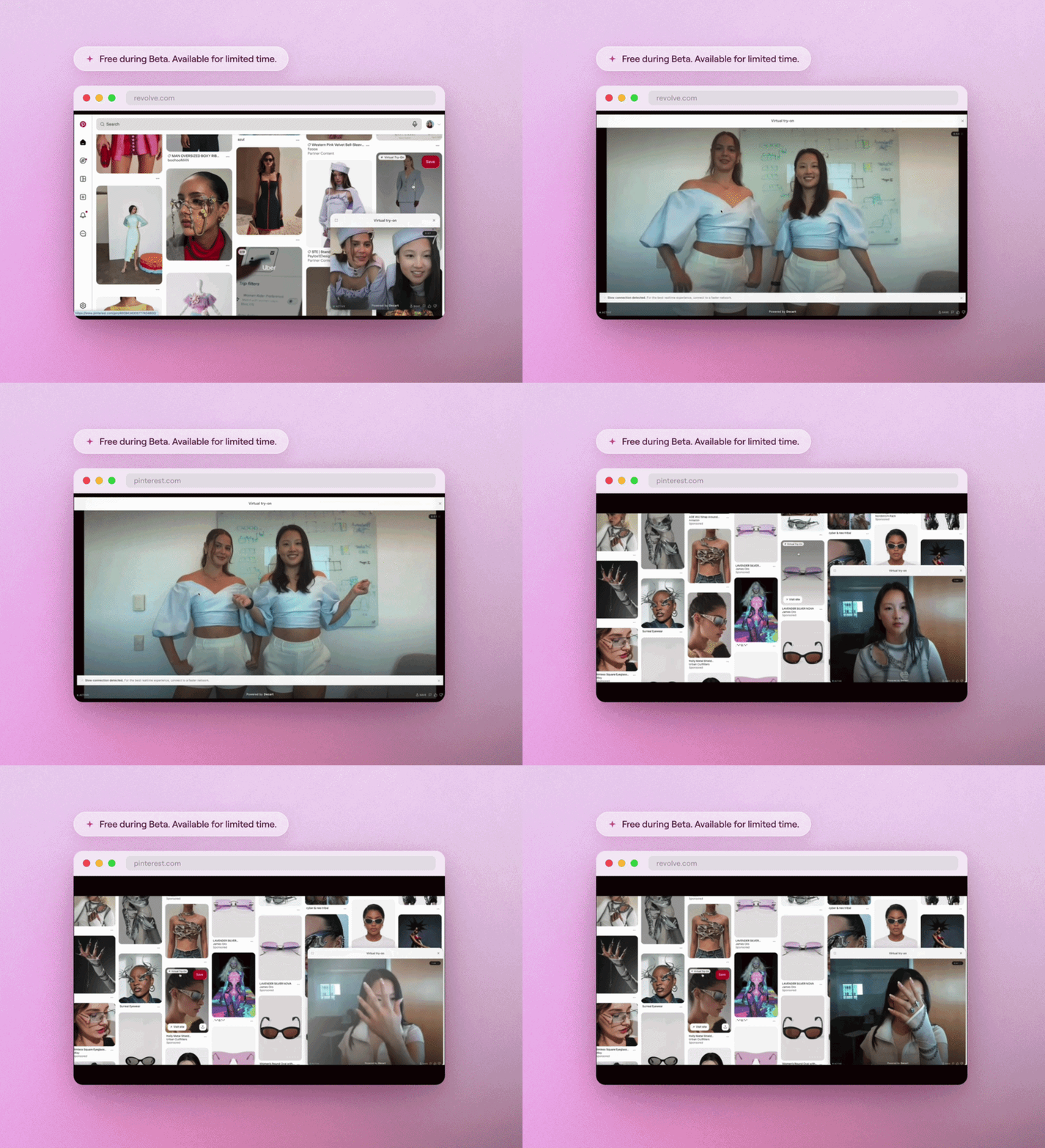
People post their try-on videos on social media.

Which tends to carry your storefront along with it: distribution you didn't buy, and your brand in front of people who weren't shopping yet.

Create a live demo on your store

It runs on your own product pages, right now. Nothing changes on your site.

This one needs your laptop

Only this preview does. Browser extensions don't install on phones. Anywear itself works on mobile and desktop once it's on your store. Send yourself this page and pick it up on a computer; it takes about a minute.

  1. Send yourself this page with the button below.
  2. Open it in Chrome on your laptop and add the extension.
  3. Browse your own store. The try-on appears on your product pages, exactly as your shoppers would see it, visible only to you.

Nothing changes on your website either way.